
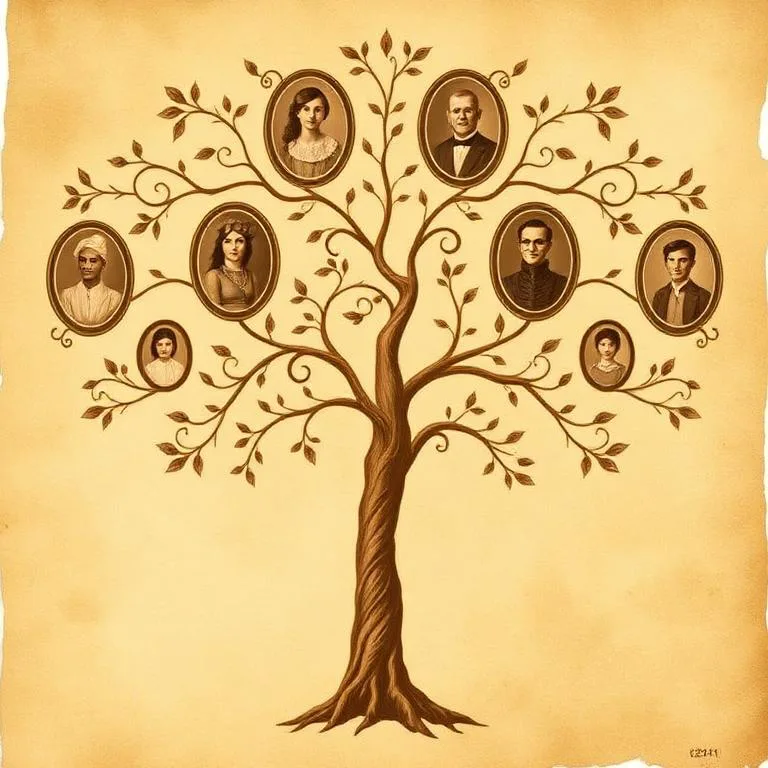
What to expect from this iOS family tree app
It is designed for people who want to begin with their own family knowledge and keep the workflow close to the photos and conversations already on their iPhone.
Build branch by branch
Add yourself, parents, spouses, and children without needing to complete an entire lineage at once.
Find people quickly
Search and move through the people already in your family tree as more generations are added.
Bring the photos with you
Use portrait analysis, restoration, and colorization tools from the same app as your family tree.
Family history often starts away from a desk
A name shared at dinner, a portrait found in a drawer, or a call with an older relative can all become the next branch while the detail is still fresh.
Capture the detail
Add a person after a conversation instead of waiting to rebuild the memory later.
Connect the person
Choose how they relate to a parent, spouse, or child already in the tree.
Preserve the portrait
Restore or colorize an old photo while keeping the original image available.
A focused mobile tree, with clear boundaries
This app is built for starting from the people, stories, and photographs you already know. It is not presented as a subscription research database or a substitute for records and DNA testing.
Requires iOS 18.0+
Check your iPhone software version before downloading. The current App Store build is designed for iOS 18 or later.
Begin with known relatives
Add and connect your own family knowledge. Use interviews and reliable records when a name, date, or relationship needs verification.
Treat photo results as exploratory
Portrait ancestry estimates are visual exploration, not DNA results or documentary proof. Keep original photos and confirm family history independently.
Turn a photo or conversation into the next branch
You do not need a complete genealogy database to begin. Capture one reliable story, prepare one family photograph, then attach the confirmed people and details to your private mobile tree.
Restore a family photo on iPhone
Capture the best source, protect the original, restore a copy, and keep the result ready for the family tree.
Prepare questions for a grandparent
Generate a focused, printable interview list, then verify names and relationships before adding them.
Check an old-photo scan
Review blur, glare, exposure, contrast, and resolution locally before restoration or archiving.
Choosing an iPhone family tree app
Can I create a family tree directly on my iPhone?
Yes. Add people, connect parents, spouses, and children, then search and navigate your tree from the iPhone app.
What iPhone software does the app require?
The current App Store version requires iOS 18.0 or later.
Can I add family photos?
The app includes portrait-based ancestry exploration, old photo restoration, and black-and-white photo colorization tools.
Do photo ancestry estimates replace genealogy research?
No. They are visual estimates for exploration and are not DNA results or documentary evidence. Confirm family history with relatives and reliable records.