
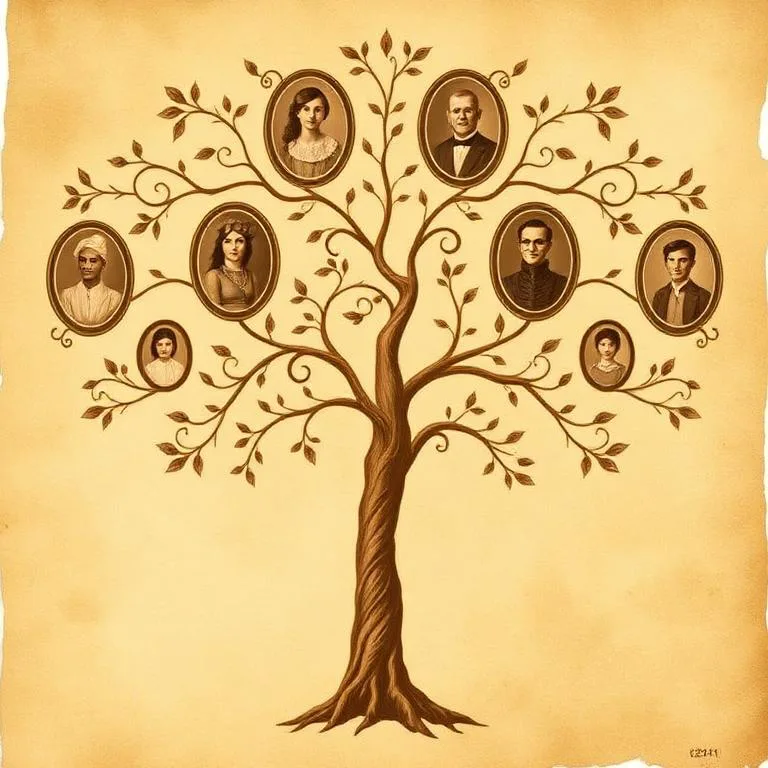
Family Tree App for iPhone
Build the branches you know. Explore where your story may begin. Restore the family photos you never want to lose.
Old Photo Scan Doctor
Find out whether a photo is sharp and detailed enough to restore, archive, or print before you put the original away.
 Scan quality score
One iPhone app for the family stories that matter
Start with the names you know, then give old portraits and family memories a clearer place in the present.
Family tree builder
Add relatives, connect relationships, and keep generations easy to navigate.
Photo ancestry explorer
Explore potential ancestry regions from a portrait, with clear confidence levels.
Photo restoration
Reduce scratches and fading while bringing important facial details back into focus.
AI photo colorizer
Bring black-and-white portraits into color while preserving their original mood.
Designed to feel familiar from the first tap
A calm, focused interface keeps people, portraits, and family connections easy to reach without turning family history into a research project.
Add people and connect parents, spouses, and children.
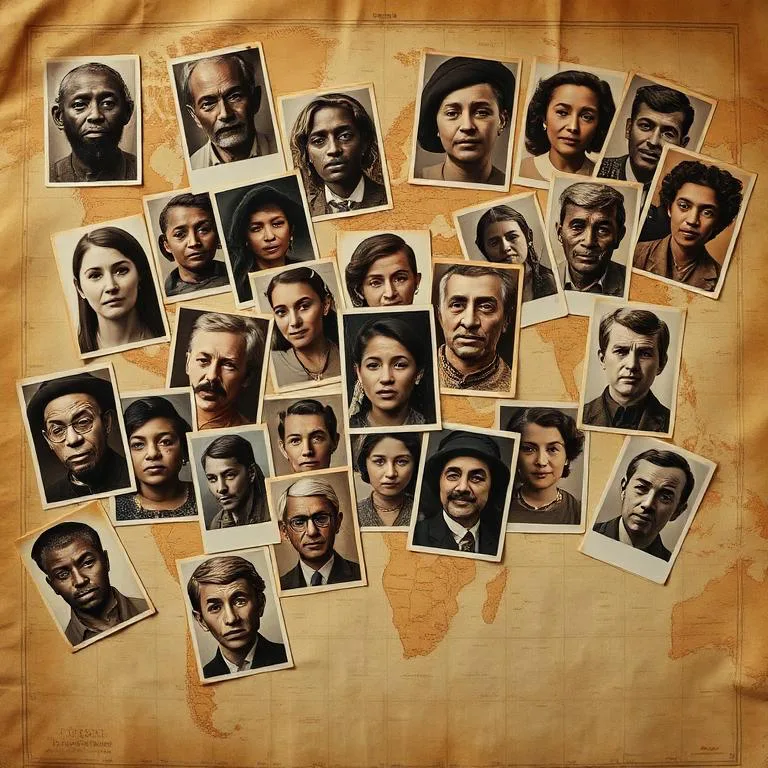
Use a portrait to see an estimate with confidence levels.
Restore worn images or bring black-and-white portraits into color.
Your family tree does not need to start complete
Begin with one person and one confirmed relationship. The next branch can wait until you are ready.
Add someone you know
Start with yourself, a parent, or a relative whose details you can confirm.
Connect the relationship
Choose a parent, spouse, or child and give the new person a clear place in the tree.
Keep the story growing
Search your tree, add another branch, and renew the photos that bring each person to life.
Practical help for the next family photo or name
Clear, beginner-friendly steps for preserving family history with the iPhone you already use.
How to make a family tree on iPhone
A practical, beginner-friendly way to collect names, connect relatives, and build a family tree directly on your iPhone.
6 min read · Read guideHow to restore old photos on iPhone
Learn how to photograph, crop, restore, and save old family photos on iPhone while protecting the original print.
7 min read · Read guideHow to get photos off an old iPhone
Retrieve photos from an old iPhone with iCloud Photos, a Mac, a Windows PC, or an existing backup while keeping the original files intact.
7 min read · Read guideHow to colorize black-and-white photos on iPhone
Prepare, colorize, review, and save a black-and-white family portrait on iPhone without losing the original.
5 min read · Read guideHow to organize family photos on iPhone
Use a practical iPhone workflow to scan, name, identify, back up, and preserve old family photos without losing their stories.
8 min read · Read guideHow to record family history interviews on iPhone
Plan and record a family history interview on iPhone with better questions, clear audio, permission, backups, and a useful follow-up workflow.
8 min read · Read guideHow to search surname variants on iPhone
Search old records more carefully by testing surname spelling variants, places, dates, and relatives from your iPhone without treating suggestions as facts.
7 min read · Read guideUse estimates as prompts for research, not proof.
Family Tree App is independently published by Mahsun Bellek. Portrait-based ancestry results are exploratory estimates, not DNA evidence, and the app is not affiliated with FamilySearch. We review feature descriptions and privacy claims against the current App Store listing.
Updated August 9, 2026. Start with relationships you can verify, keep the original photos, and use the linked guides when a result needs more context.
Before you download
What can I do with the app?
You can build a family tree, connect parents, spouses, and children, search people in your tree, explore potential ancestry regions from a portrait, restore worn photos, and colorize black-and-white portraits.
Is Family Tree App available for Android?
No. The current version is built for iPhone and requires iOS 18.0 or later.
Does the app collect personal data?
The App Store privacy label states that the developer does not collect data. Review the current privacy policy and App Store listing before downloading for the latest details.
Is the ancestry photo result a DNA test?
No. Photo analysis provides potential region estimates based on a portrait. It is not a DNA test and cannot prove ethnicity, nationality, or identity.
Is Family Tree App connected to FamilySearch?
No. This app is independently published by Mahsun Bellek and is not affiliated with or endorsed by FamilySearch International.
Is the app free?
The app is free to download and offers optional in-app subscriptions. Current pricing and trial availability are shown in the App Store and inside the app.